See the Renovation Before You Start It
Every image below was generated by our AI from a single room photo. Upload yours and get the same result in 10 seconds.
Try With Your RoomKitchen — Modern Style
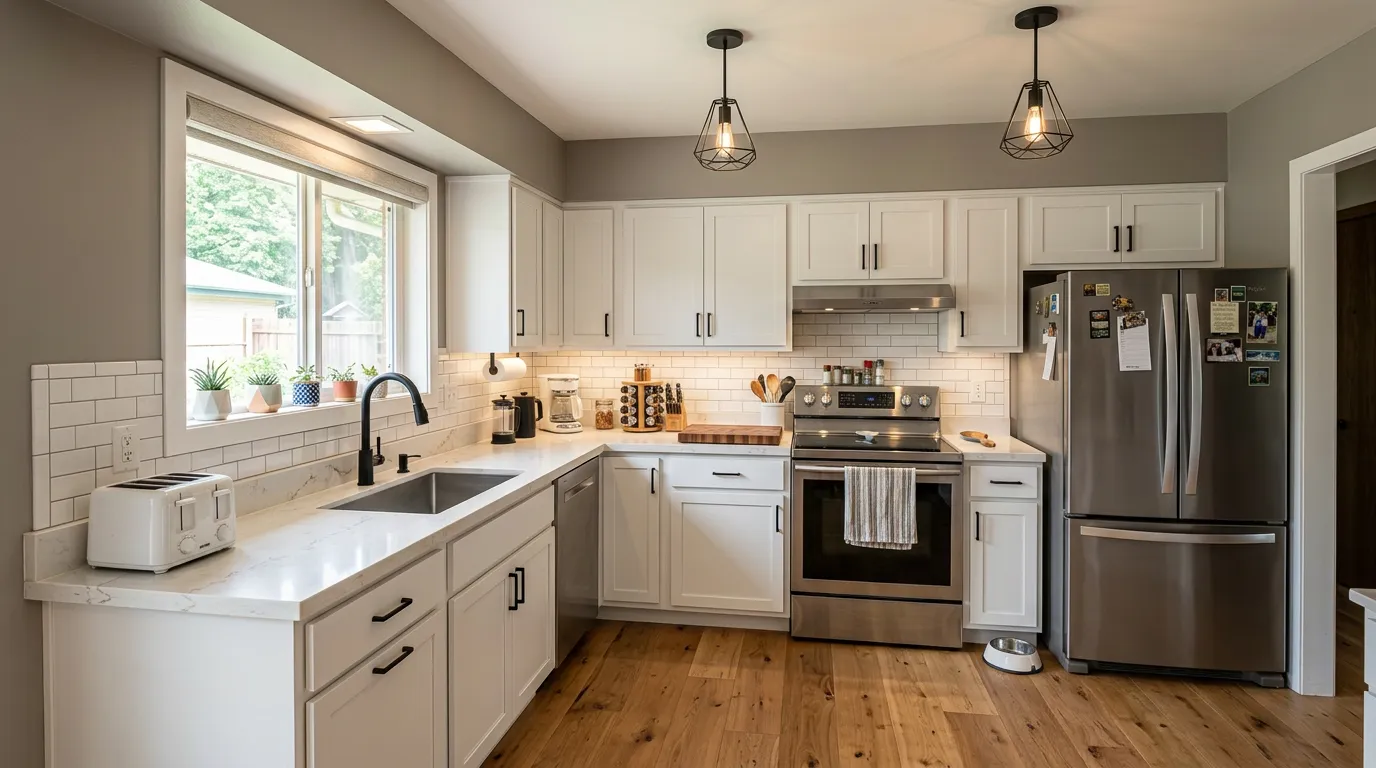
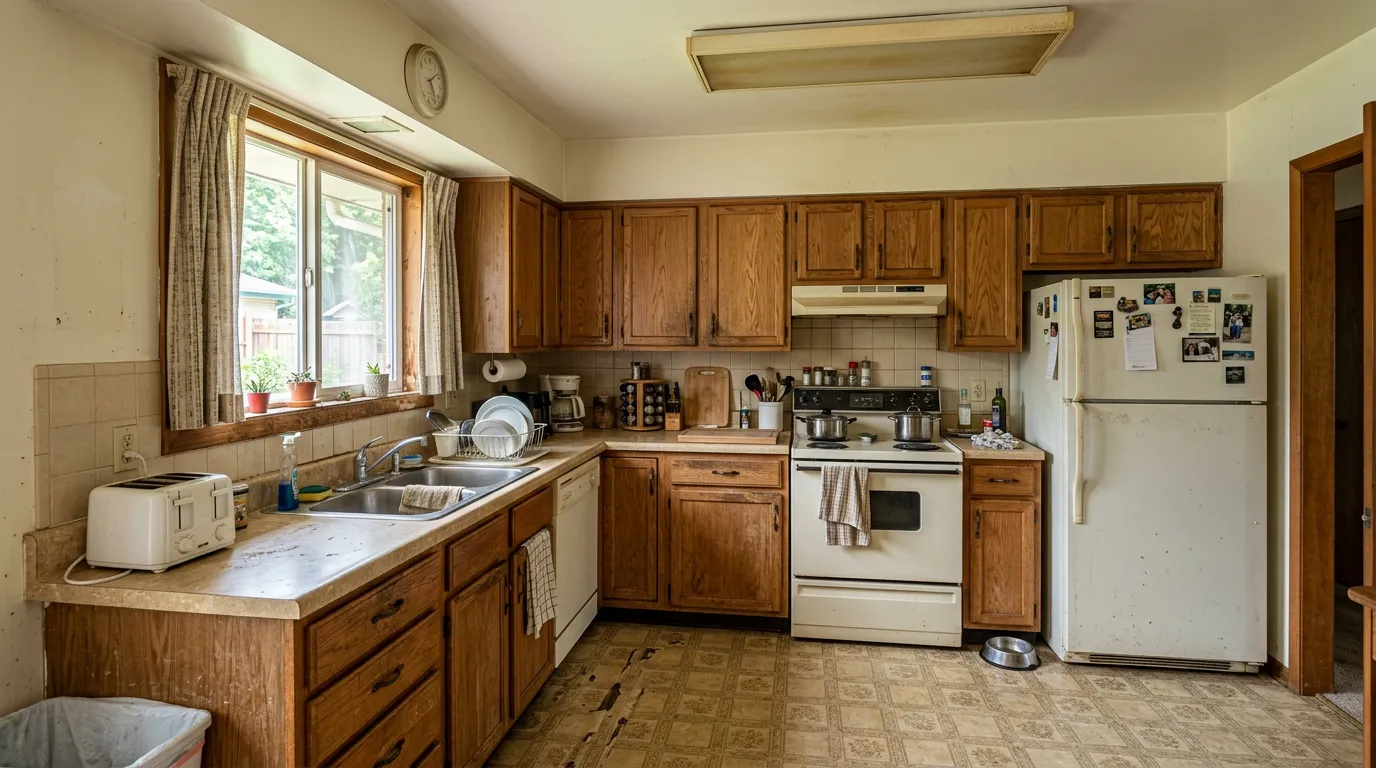
Dated oak cabinets and laminate countertops transformed into a modern kitchen with white shaker cabinets, quartz countertops, and pendant lighting.
Try this with your kitchenBathroom — Mediterranean Style
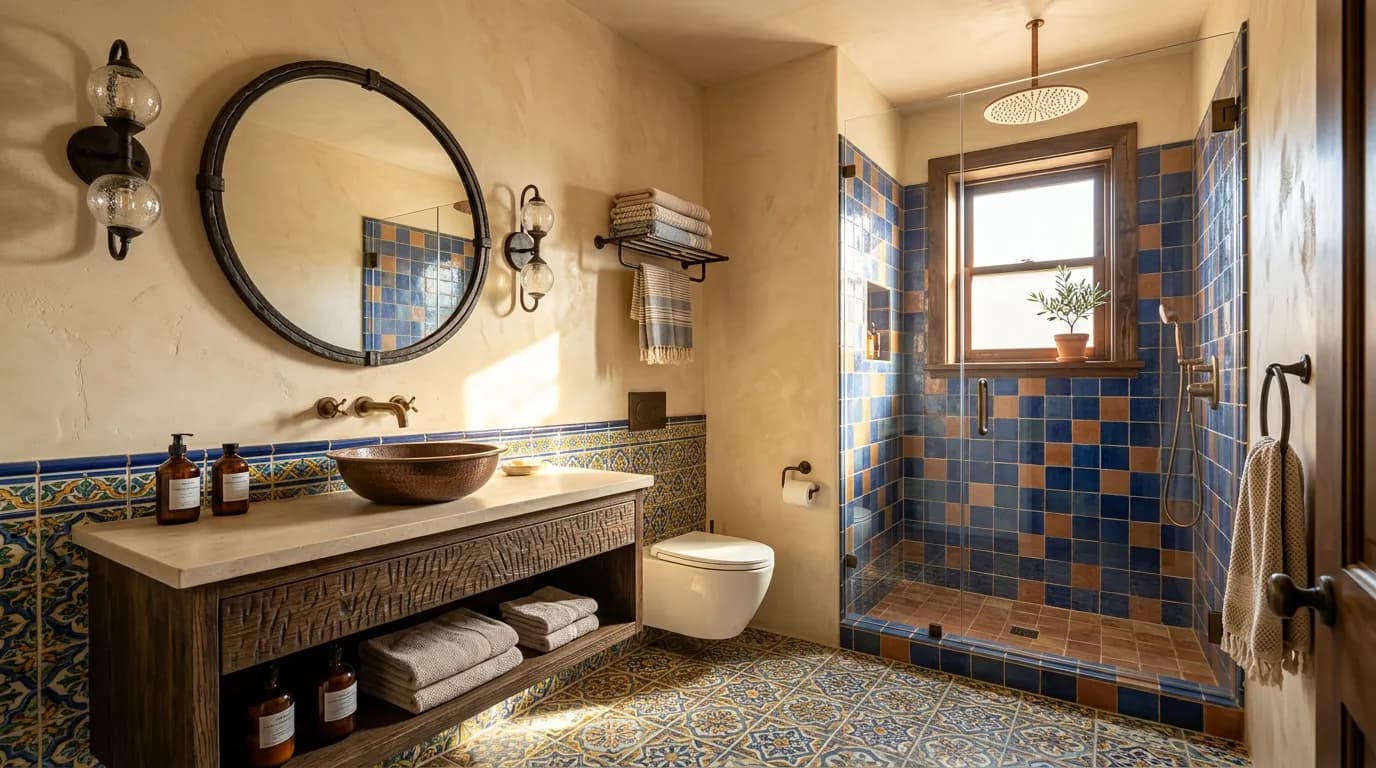
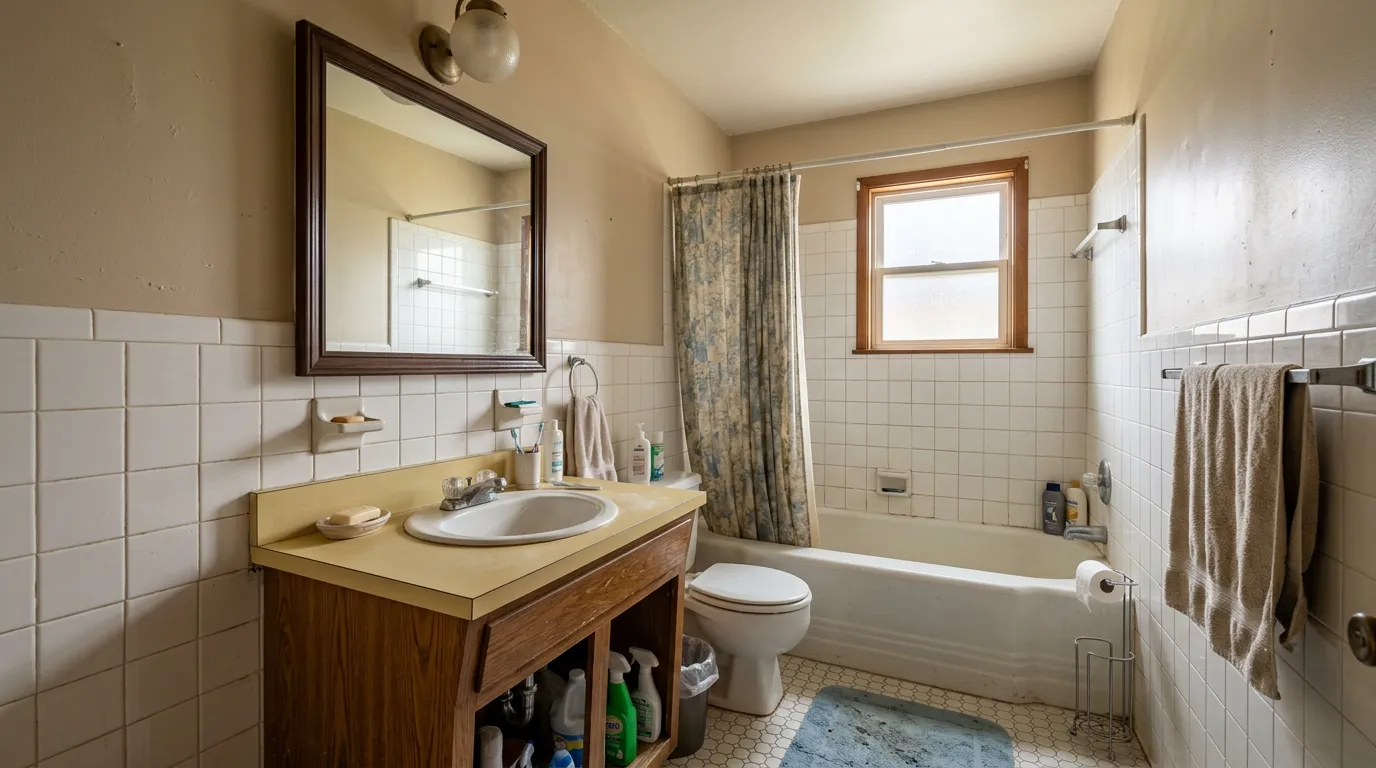
Basic white tile and old vanity transformed into a sun-drenched Mediterranean bathroom with hand-painted tiles and a floating vanity.
Try this with your bathroomBedroom — Japandi Style
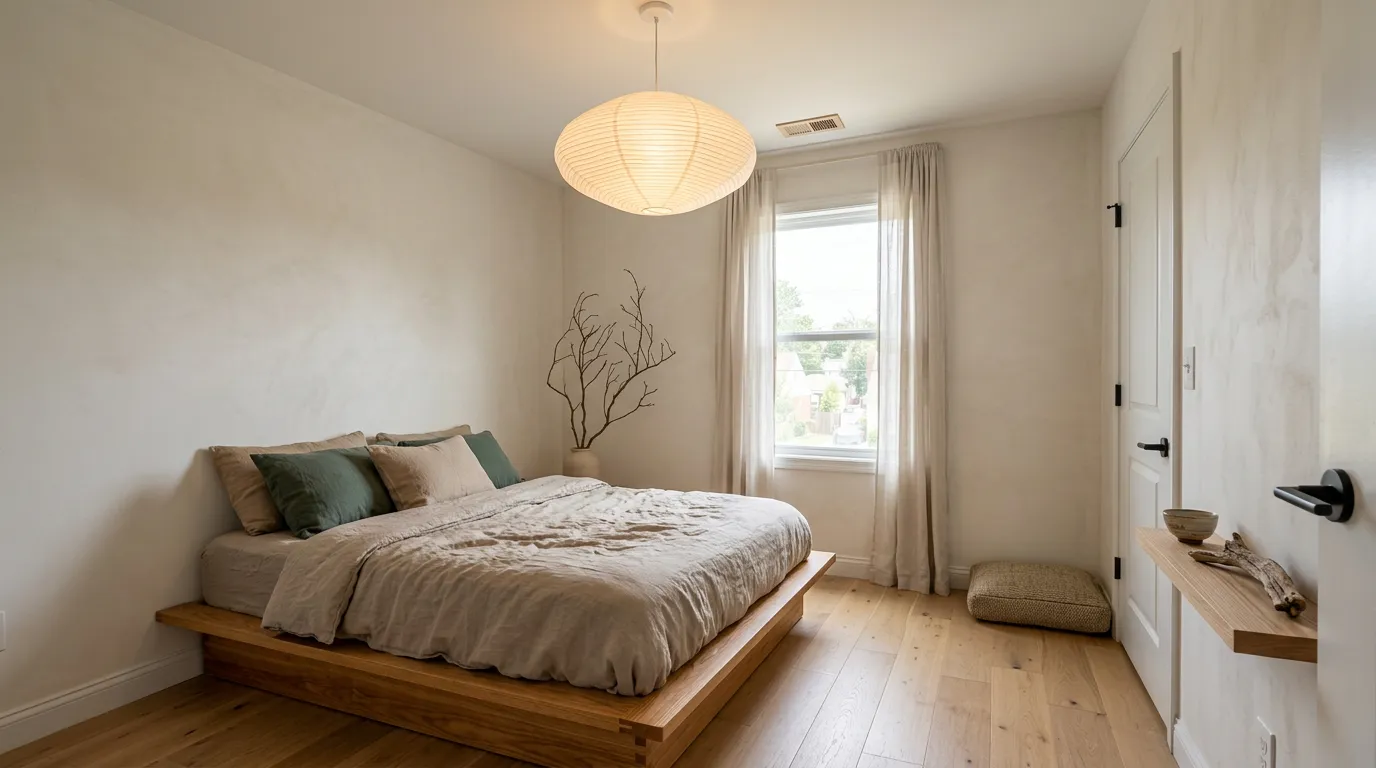
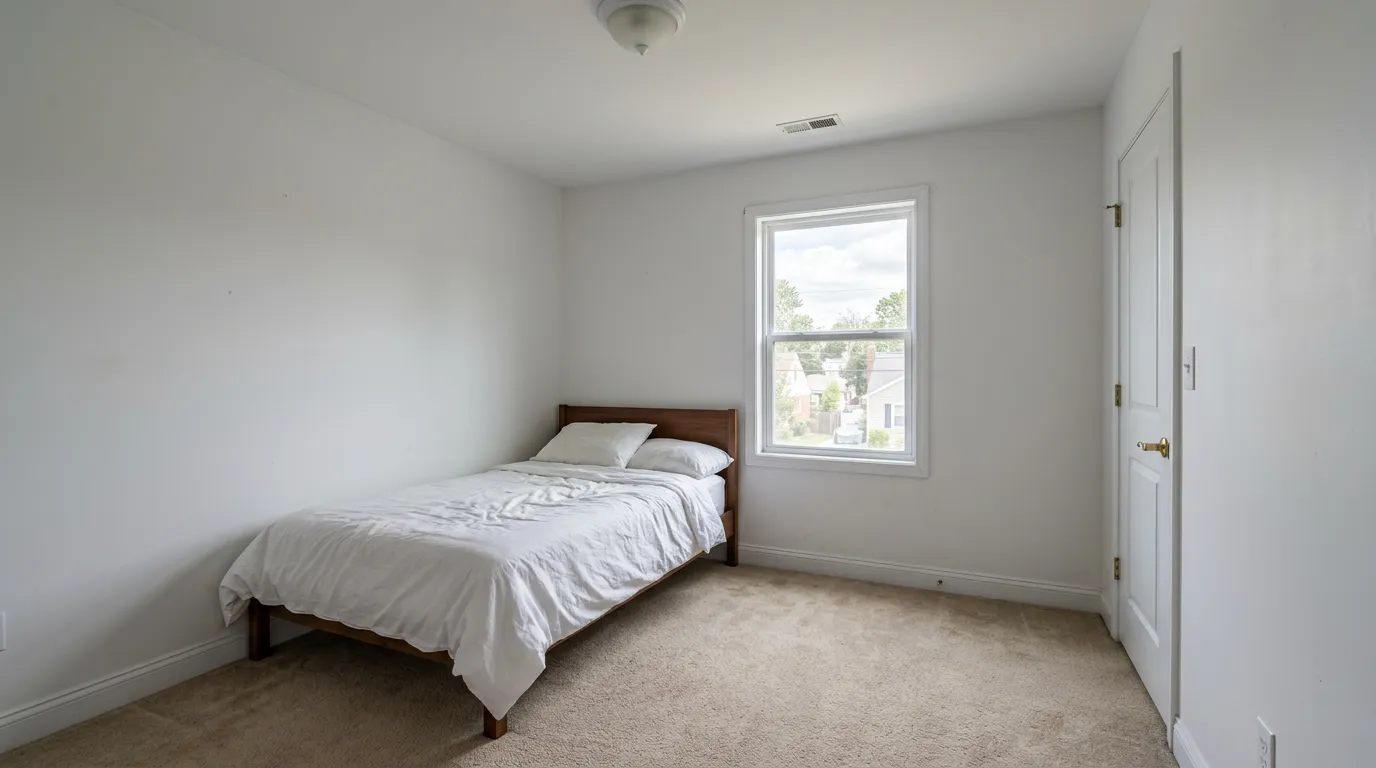
A plain, unfurnished bedroom transformed into a serene Japandi retreat with a low platform bed, warm wood accents, and paper lantern lighting.
Try this with your bedroomLiving Room — Scandinavian Style
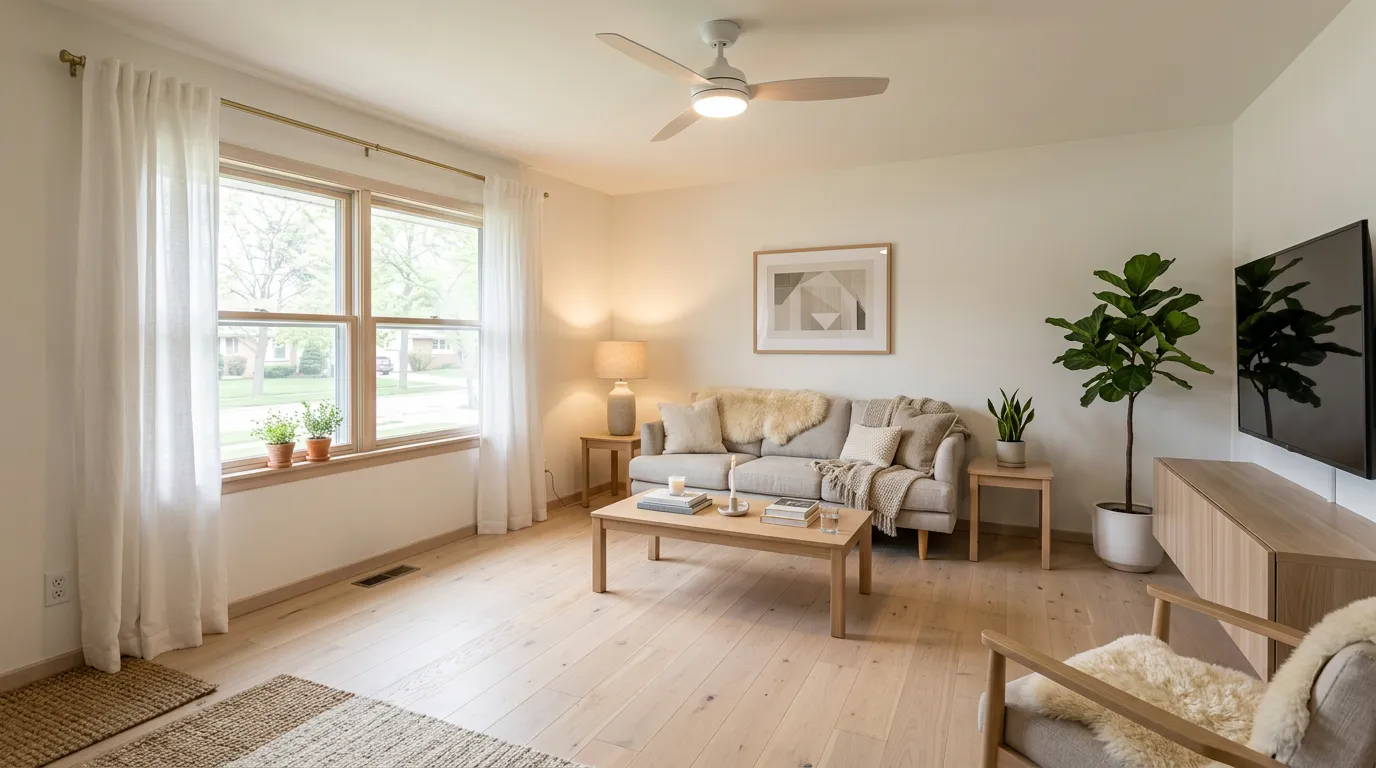
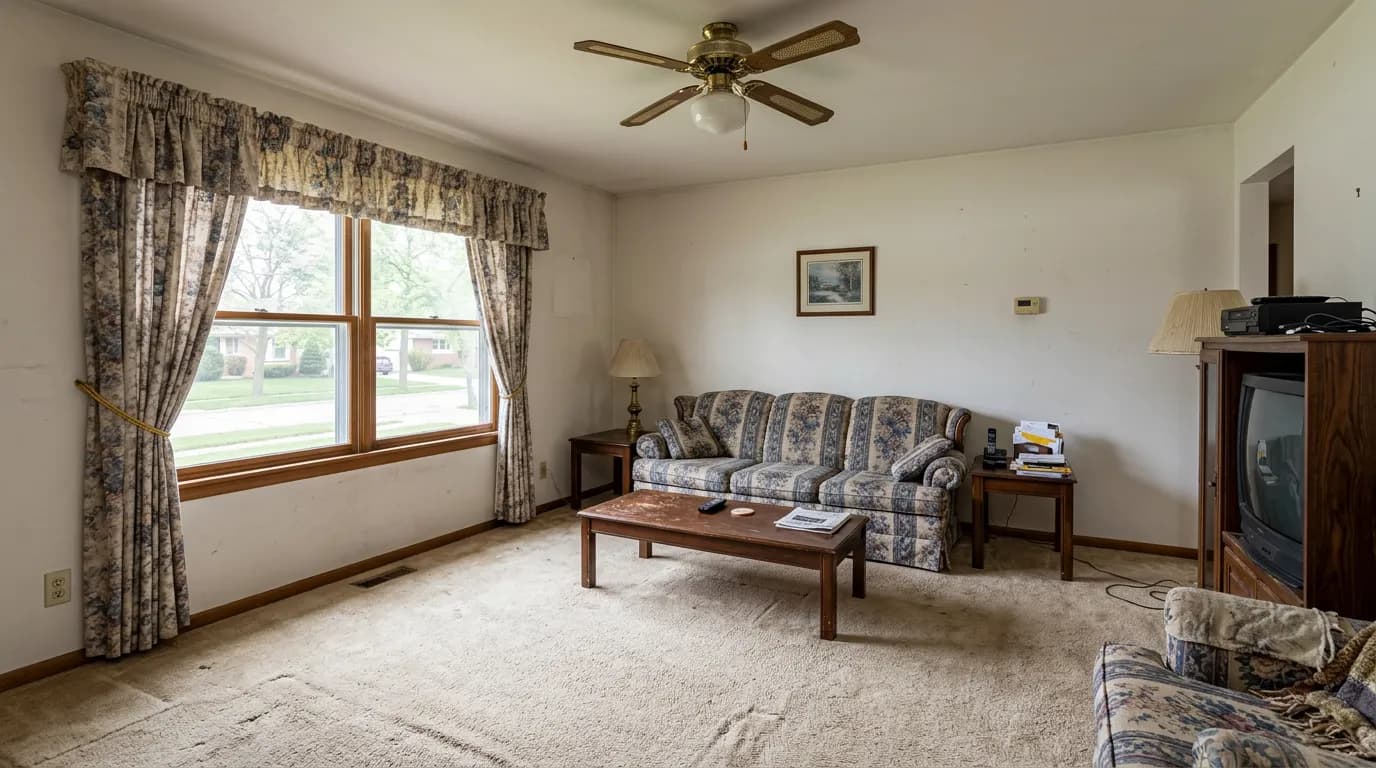
Dated carpet and old furniture transformed into a bright Scandinavian living room with hardwood floors, modern sofa, and cozy textiles.
Try this with your living roomHow It Works
Upload Your Photo
Take a photo of any room — kitchen, bathroom, bedroom, living room, or more.
Choose a Style
Pick from 11 curated design styles — modern, Scandinavian, Japandi, farmhouse, and more.
See the Result
Our AI generates a photorealistic before & after of your renovation in ~10 seconds.
Before & After FAQ
How does AI room renovation work?
Upload a photo of your room and choose a design style. Our AI analyzes the room's layout, lighting, and perspective, then generates a photorealistic preview showing the room renovated in your chosen style. The AI preserves the room's architecture while changing finishes, furniture, and decor.
Are these before and after images real?
The "before" images are AI-generated photos of typical dated rooms. The "after" images were generated by our AI from those same photos — the exact same technology you'll use with your own room. What you see here is what you'll get with your own photos.
How long does it take to generate a renovation preview?
About 10 seconds. Upload your photo, choose a style, and our AI generates a photorealistic renovation preview almost instantly. No waiting days for a designer mockup or 3D rendering.
Can I use the before and after images for my renovation project?
Absolutely. Download your generated images and share them with contractors, partners, or designers. Many users use RenovateWithAI to align with their contractor on the desired outcome before work begins — it saves time and prevents misunderstandings.
What rooms can I renovate with AI?
Any room. Kitchen, bathroom, bedroom, living room, dining room, home office, hallway, exterior, and garden/patio. Each room type has specific material and style options tailored to that space.
Is it free to try?
Yes. You get free previews to try the tool. After that, credit packs start at €9 with no subscription required. Credits never expire — buy once, use whenever you want.
Create Your Own Before & After
Upload a photo of your room and see a photorealistic renovation preview in 10 seconds.